 DECISION
An eSIM is the cheaper choice for almost every Japan trip: $15.40 for 21 GB over 7 days or $16.40 for 20 GB over two weeks, against ¥9,900 (about $62) and ¥18,300 (about $115) for an unlimited Sakura Mobile router. Rent a pocket WiFi only when several devices in your group cannot take an eSIM or you need truly unlimited data. Your phone's hotspot covers most other cases.
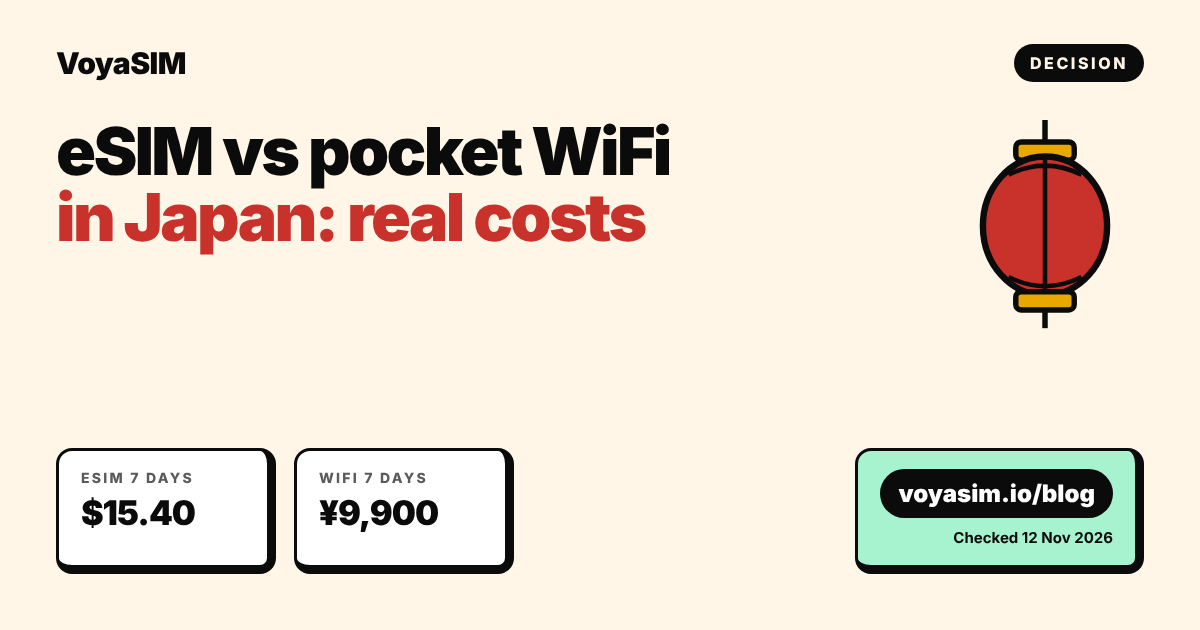
The verdict: an eSIM is cheaper for almost every Japan trip
An eSIM costs $15.40 for 7 days and $16.40 for 14 days of heavy use in Japan, while an unlimited pocket WiFi rental costs ¥9,900 (about $62) for 7 days and ¥18,300 (about $115) for 14 days at Sakura Mobile. Prices were checked on 12 November 2026, with yen converted at ¥159.5 to the US dollar. The pocket WiFi only wins when one router has to serve several devices that cannot take an eSIM, such as an older phone, a laptop and a tablet in the same group.
| What you pay | eSIM (VoyaSIM) | Pocket WiFi (Sakura Mobile, unlimited) | Pocket WiFi (Japan Wireless, unlimited) |
|---|---|---|---|
| 7 days | $15.40 for 21 GB (KDDI/au, 5G) | ¥9,900 (≈ $62) | from $5.10/day, so ≥ $35.70 |
| 14 days | $16.40 for 20 GB, valid 30 days (NTT docomo) | ¥18,300 (≈ $115) | from $5.10/day, so ≥ $71.40 |
| Light use, 14 days | $4.20 for 3 GB, valid 15 days | same as above | same as above |
| Delivery and return | none, QR code by email | airport, hotel or post office pickup; prepaid return envelope | prepaid return envelope included |
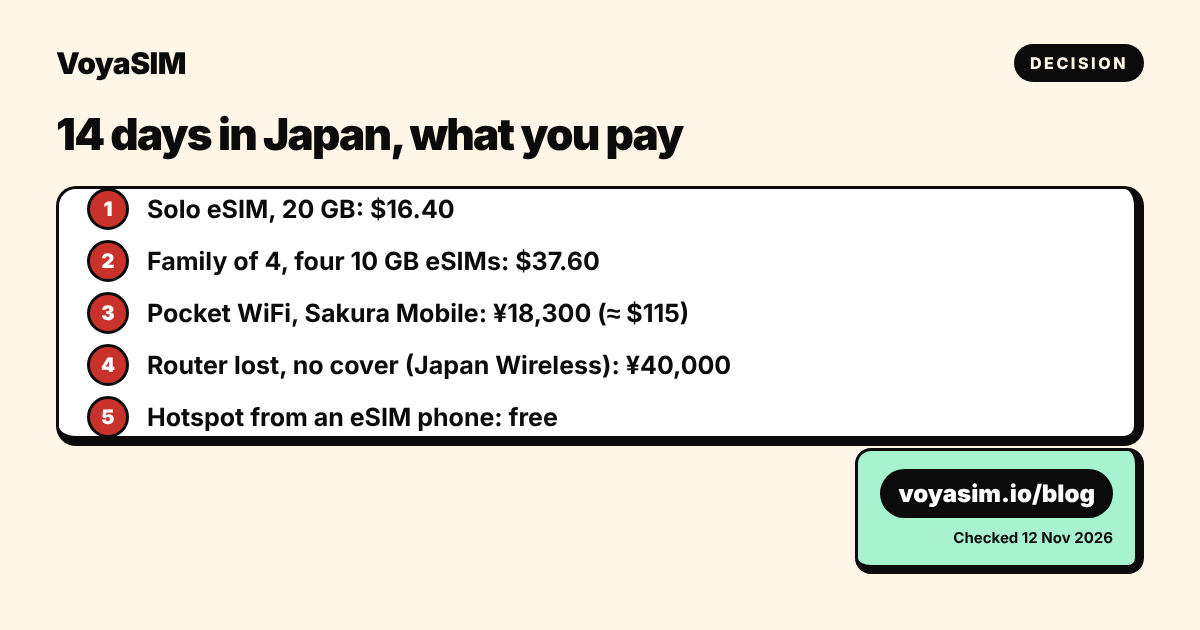
| If you lose it | nothing to lose | not stated on the price page | ¥40,000 (≈ $251) without the protection plan |
| Extra device to charge | no | yes | yes |
Sakura Mobile's totals come from its own price simulator. The page does not say whether those totals include Japan's 10% consumption tax. Japan Wireless shows "from US $5.1/day" and builds the final price from your dates, so the 7- and 14-day figures above are floors, not quotes. A third provider, eConnect Japan, advertises "from ¥261/day" plus ¥792 shipping per two units; its per-plan totals were not shown on the run date, so they are left out of the table.
Verdict by traveler
| Situation | Best option | Cost, checked 12 Nov 2026 |
|---|---|---|
| Solo, 5 days, maps and messages | eSIM, 3 GB valid 15 days | $4.20 |
| Solo, 7 days, heavy video and uploads | eSIM, 21 GB valid 7 days | $15.40 |
| Family of 4, 2 weeks, all phones eSIM-ready | four eSIMs, 10 GB each, valid 30 days | 4 × $9.40 = $37.60 |
| Family of 4, 2 weeks, two older phones without eSIM | one eSIM plus phone hotspot, or one pocket WiFi | $28.90 for 50 GB, or ¥18,300 (≈ $115) |
| Business, 2 weeks, laptop on the go | eSIM, 50 GB on all four networks | $28.90 |
Why the eSIM costs less
The eSIM is cheaper because you pay only for data, not for hardware, shipping, insurance and a return trip. A pocket WiFi rental bundles a router, a battery, a SIM inside it, a pouch, a charger and the logistics of getting all of that to you and back. Japan Wireless lists the replacement value of those parts on its rates page: ¥40,000 for the router and SIM, ¥4,000 for the battery, ¥2,000 for a power bank, ¥1,000 each for the cable, the adapter and the pouch. Rental companies price in that risk, which is why even the "from" daily rates add up to $35 or more for a week.
An eSIM is a downloadable profile for a phone you already carry. It connects to a Japanese network directly. The VoyaSIM plans in this article use NTT docomo, KDDI/au, SoftBank or Rakuten Mobile, and several plans can use all four. Coverage is the same as the router's, because the router uses the same Japanese networks. Japan Wireless's unlimited plan, for example, runs on SoftBank 4G.
Where the pocket WiFi does win is "unlimited". Sakura Mobile and Japan Wireless both sell plans without a data cap, and Japan Wireless says it applies no fair-use throttling. If you stream for hours every day on several devices, a single unlimited router can be simpler than tracking gigabytes. For most travelers it is not needed: 20 GB covers about two weeks of maps, messaging, social media and some video for one person. Our hotspot guide explains how sharing the connection adds to that.
The costs a price page does not show
Three costs sit outside the daily rate of a router. First, the router has to be charged every night, and Japan Wireless's own guide notes that battery drain rises as more devices connect. Second, everyone has to stay within Wi-Fi range of the person carrying it: when a family splits up at a station or a museum, only one person stays online. Third, the return. The router goes back in a prepaid envelope, usually at the airport post box on the day you fly home, and a late return is charged.
How the family numbers add up
For a family of four on a 14-day trip, four separate eSIMs at $9.40 each come to $37.60, and every person keeps their own 10 GB and their own connection. One unlimited router at Sakura Mobile costs ¥18,300, about $115, for the same 14 days, which is about $77 more for one shared connection. If only one adult has an eSIM-ready phone, the cheapest setup is the 50 GB plan for $28.90 on that phone, shared by hotspot with the rest of the group.
How to share an eSIM like a pocket WiFi
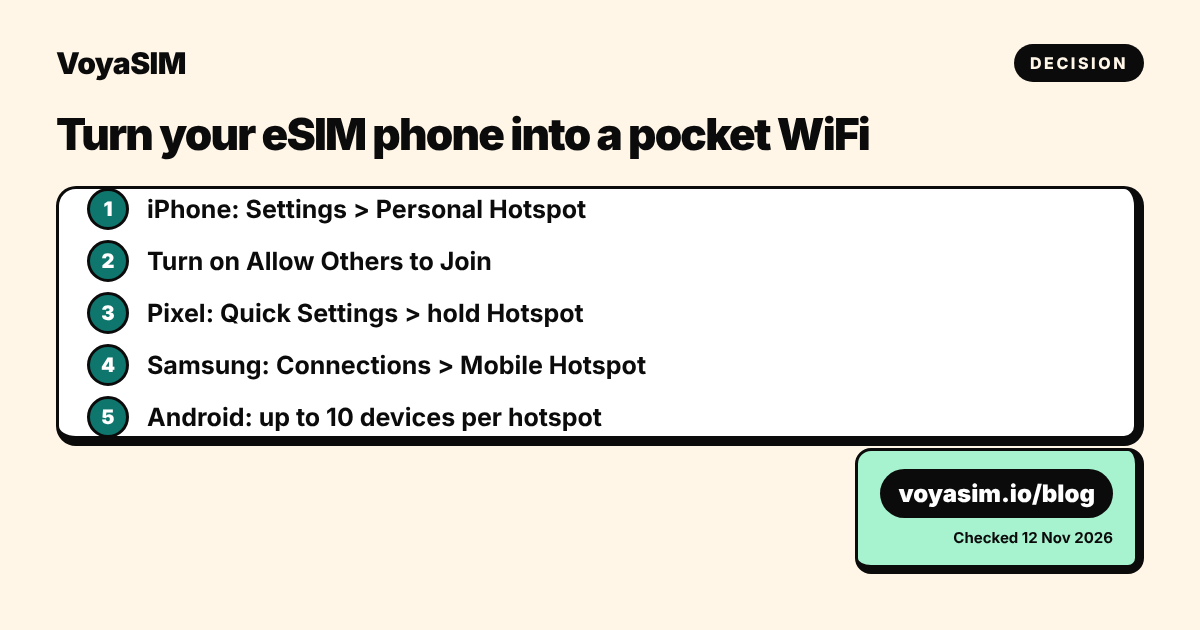
Your phone can act as the pocket WiFi: turn on its hotspot and up to 10 other devices can join on Android, according to Google's Android Help. This removes the main reason to rent a router when a laptop or tablet in your group has no eSIM.
iPhone (iOS 17 to 26):
- Open Settings > Personal Hotspot. If it is not listed, go to Settings > Cellular > Personal Hotspot.
- Turn on Allow Others to Join.
- Note the Wi-Fi password shown on that screen and enter it on the other device.
Google Pixel and stock Android:
- Swipe down from the top of the screen to open Quick Settings.
- Press and hold the Hotspot tile, then turn on Wi-Fi hotspot.
- If the tile is missing, tap Edit and drag Hotspot into Quick Settings.
Samsung Galaxy:
- Open Settings > Connections > Mobile Hotspot and Tethering.
- Turn on Mobile Hotspot, then tap it to see the network name and password.
A hotspot uses your phone's battery faster, the same way a router uses its own. On a long day, carry a power bank, which you would also need for a rental router. Hotspot data counts against your plan, so pick a larger bucket if a laptop will be connected.
When a pocket WiFi is still the better choice
A pocket WiFi is the better choice in three cases, and in each one the reason is the device, not the price.
- Your phone cannot take an eSIM or is carrier-locked. A locked phone will refuse a foreign eSIM. Check before you buy with our compatibility guide. If it is locked and your carrier will not unlock it, a router is the simplest way to get online.
- Several people need data and only one phone has an eSIM. One router or one phone hotspot can cover the group. The phone hotspot is cheaper ($28.90 for 50 GB over 30 days), but the router keeps the phone's battery free.
- You need truly unlimited data for days of streaming or large uploads. The largest VoyaSIM bucket that works on all four Japanese networks is 50 GB. If you expect more than that across a group, an unlimited router at ¥18,300 for two weeks is a fair price.
Two cases that do not change the verdict: short trips and arrival timing. A pocket WiFi has to be collected at the airport counter or delivered to your hotel, so on a 3-day trip you pay for the logistics either way. An eSIM is installed at home and starts working when the plane lands.
If you rent a router anyway, check three things before you pay: whether the total includes the 10% consumption tax, what the protection plan costs, and how late you can return it. Japan Wireless's own site gives two different return deadlines (noon and 3:00 PM the next day), so confirm the deadline in your booking email.
Staying online abroad
For a week in Japan, the 21 GB VoyaSIM plan for 7 days costs $15.40 on KDDI/au 5G; for two weeks, the 20 GB plan valid 30 days costs $16.40 on NTT docomo. Install the eSIM at home before the flight; the validity starts at the first connection in Japan, not at installation. All plans, including the $28.90 50 GB plan that works on all four networks, are on the Japan eSIM page. If you see no bars after landing, follow the no-signal checklist.
By the VoyaSIM support team — we answer these questions every day for travelers in 200+ countries. Last checked: 12 November 2026.
Japan eSIM plans today
Live prices and every plan are on the Japan eSIM page: data only, QR code by email, validity starts at the first connection.
Frequently asked questions
is esim or pocket wifi better for japan
An eSIM is better for most travelers: $15.40 for a week versus about $62 for an unlimited pocket WiFi at Sakura Mobile, checked 12 Nov 2026. A router only wins for groups with devices that cannot take an eSIM.
how much is pocket wifi in japan for 2 weeks
Sakura Mobile's unlimited router costs ¥18,300 (about $115) for 14 days; Japan Wireless starts from $5.10 a day, so at least $71.40, before options.
can i use my phone as a pocket wifi in japan
Yes. Turn on Personal Hotspot on iPhone or Wi-Fi hotspot on Android and share your eSIM data; Android allows up to 10 connected devices.
what happens if i lose a rental pocket wifi in japan
Japan Wireless charges ¥40,000 for a lost router and SIM without its protection plan, ¥8,000 with the Regular plan and ¥0 with Gold.
does pocket wifi in japan have unlimited data
Several do: Sakura Mobile and Japan Wireless sell unlimited plans, and Japan Wireless says it applies no fair-use throttling. The largest VoyaSIM bucket on all four Japanese networks is 50 GB for $28.90.
Sources & methodology
Plan prices on this page come from the live VoyaSIM catalog. Every other figure was checked against the sources below as of November 18, 2026.
- VoyaSIM live package API, Japan plans, read 12 Nov 2026
- Sakura Mobile, Pocket WiFi rental price simulator, read 12 Nov 2026
- Japan Wireless, homepage plan and return terms, read 12 Nov 2026
- Japan Wireless, rates and loss/damage compensation table, read 12 Nov 2026
- eConnect Japan, pocket WiFi rates and shipping, read 12 Nov 2026
- Apple Support, Connect to the Personal Hotspot of an iPhone or iPad, read 12 Nov 2026
- Google Android Help, Share a mobile connection by hotspot or tethering, read 12 Nov 2026
- ExchangeRate-API, USD/JPY 159.51, updated 12 Nov 2026