You rarely need a phone number on a travel eSIM. Keep your home SIM on for calls and SMS codes with its data roaming off, and let the data-only eSIM carry WhatsApp, FaceTime and Wi-Fi Calling. Get a local SIM with a number only when a local app, a landlord or an employer requires one, or for a stay of several months.
When you need a phone number abroad, and what to use instead
Most travelers do not need a new phone number abroad. Your home number keeps working on your own SIM while a data-only travel eSIM carries the internet traffic. A local number matters only in a few cases: a local app that accepts only numbers from that country, a job or a lease, or a stay of several months. The table shows what to use in each situation. Everything here was checked on 26 November 2026.
| Situation | Do you need a local number? | What to use |
|---|---|---|
| SMS codes from your bank or email | No | Your home SIM, switched on, with data roaming off |
| WhatsApp, iMessage, Telegram, FaceTime | No | These stay on your home number and run over the eSIM's data |
| Calling a hotel, tour operator or restaurant | Usually no | A WhatsApp call or message, or Wi-Fi Calling on your home number |
| Someone back home needs to call you | No | Your home number, on Wi-Fi Calling if your carrier offers it |
| A local app that only accepts local numbers | Yes | A local SIM or eSIM from a carrier in that country |
| Renting a flat, starting a job, a stay of months | Yes | A local prepaid or contract plan, usually registered with your passport |
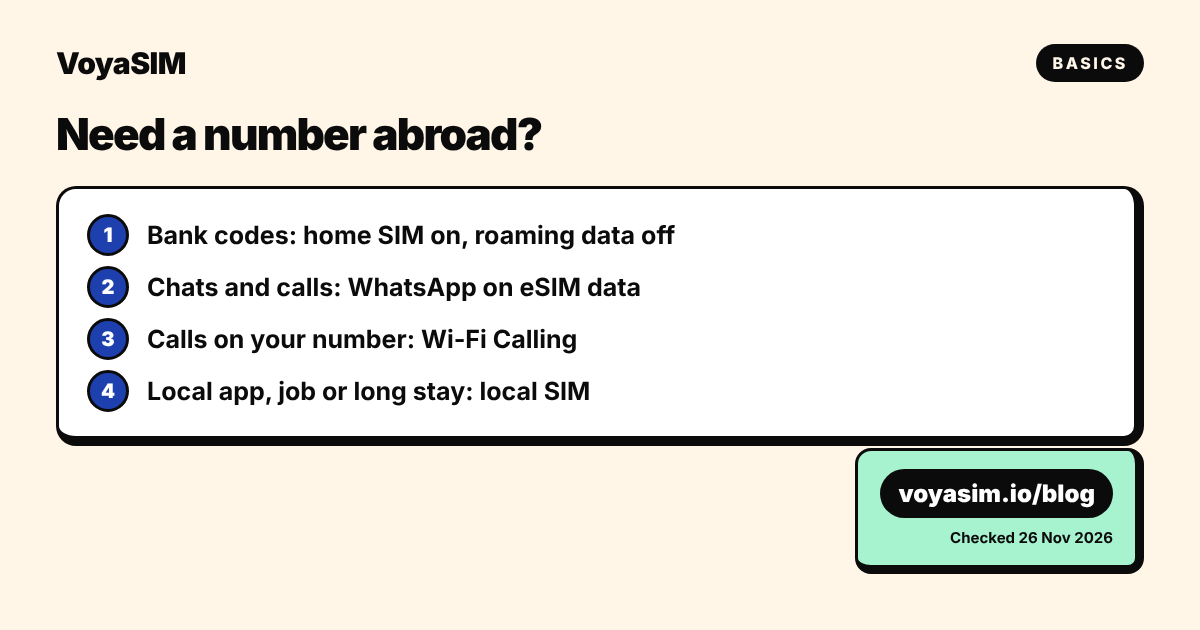
The split that works for most trips is simple. Your home SIM stays on for calls and SMS. The travel eSIM handles mobile data. Our help article on keeping your phone number shows that split in two lines.
Bank codes and verification SMS
You receive bank codes on your home SIM, as long as that line is switched on. Receiving an SMS while roaming is free with many carriers, but not with all, so check your carrier's roaming page before you leave. Turning off data roaming on the home line does not stop SMS. It only stops the home line from using mobile data.
WhatsApp and other chat apps
WhatsApp does not move to the eSIM. It stays registered to the number you signed up with, and it only sends a code again when you register on a new phone or change number. WhatsApp's own help pages say verification can fail while roaming or on a weak connection, so do not reinstall it or change number in the middle of a trip. Messages and calls run over whatever data connection the phone uses, which on a trip is the eSIM.
Calls on your own number
Wi-Fi Calling lets your phone make and receive calls and texts on your home number over Wi-Fi. Apple states that Wi-Fi Calling is not offered by every carrier or in every country, and that you should ask your carrier. Your carrier also decides what a call from abroad costs. T-Mobile in the US, for example, describes Wi-Fi Calling as calling or texting with your T-Mobile number on Wi-Fi networks, and lists separate rates for calls to non-US numbers. Read your own carrier's page before you rely on it.
When a local number is the right tool
A local number from a carrier in your destination is the answer when a local service only accepts local numbers, when a landlord or employer asks for one, or when you stay long enough that local friends and businesses need to reach you without international rates. In most countries that means a SIM or eSIM registered in your name, and carriers usually ask for a passport at the counter or in their app. We could not verify the rules country by country on the run date, so check the carrier's own page for your destination.
Why travel eSIMs come without a number
A travel eSIM is data-only because a phone number is a separate service that carriers tie to identity registration and to their voice network. A data-only profile connects to a local partner network, gives you internet and nothing else. That keeps it cheap, lets you buy it online from home, and avoids the paperwork that comes with a numbered line.
VoyaSIM plans work this way: data only, with no phone number, no calls and no SMS. Your own SIM or eSIM keeps your number, and voice and video calls run as data through apps.
Three things follow from that:
- You do not lose anything by installing a travel eSIM. Your number, your contacts and your chat history stay where they are.
- Your phone has two lines at once. Every eSIM phone can store several eSIMs, and many recent phones can run two at the same time. Our article on two eSIMs in one phone lists which models do.
- Data on the eSIM can carry calls. WhatsApp, FaceTime Audio, Signal, Telegram and Teams calls use the eSIM's data allowance. A 10-minute voice call uses far less data than 10 minutes of video.
Some providers sell travel eSIMs that include a number. They usually cost more and often ask for identity details. We did not compare those plans for this article.
What about virtual numbers?
A virtual number is a number that lives in an app rather than on a SIM. Google Voice is the best-known one, and it has limits. Google's help pages say consumer Google Voice numbers are for users in the US, you sign up from the US, and you verify with an existing US mobile number. If you already have a Google Voice number, it works abroad over data. If you do not, you cannot set one up from a hotel room in another country.
Other virtual number apps exist. Many banks and some apps refuse virtual numbers for verification codes, so do not move your bank's two-factor login to one before a trip.
Step by step: keep your number and use eSIM data
Set your phone up so the home line handles calls and SMS and the eSIM handles data. It takes about two minutes, and you can do it before your flight.
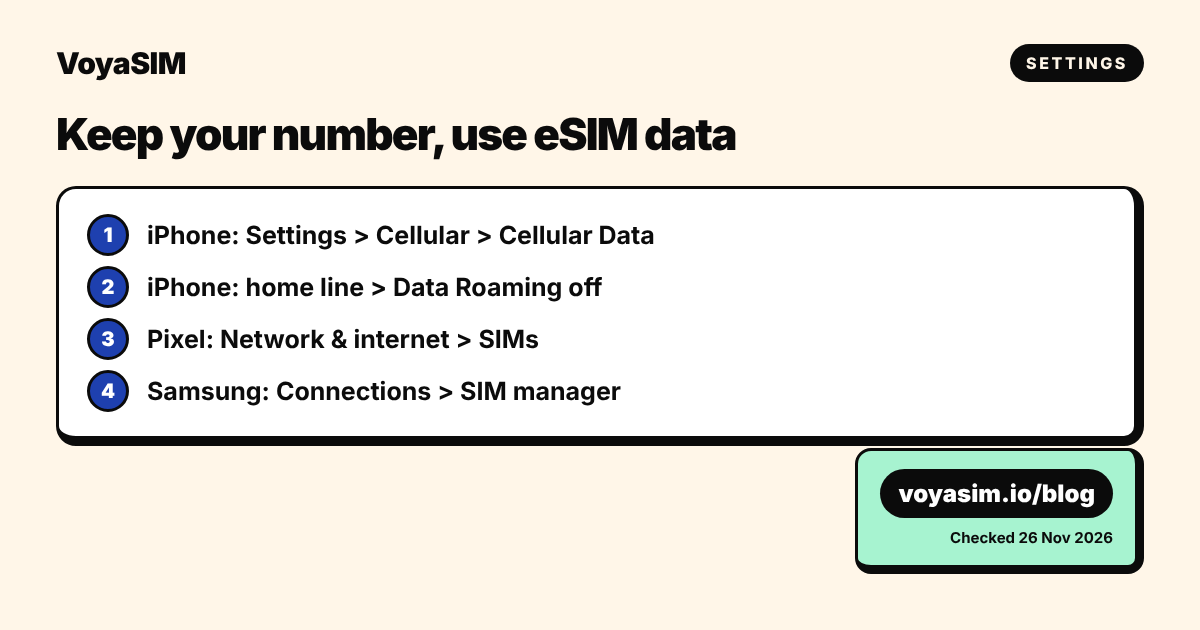
iPhone (iOS 17 to iOS 26)
- Go to Settings > Cellular (Mobile Data in some regions) > Cellular Data and pick the travel eSIM line.
- Under Settings > Cellular, tap your home line. Leave Turn On This Line on. Switch Data Roaming off.
- Tap the travel eSIM line and switch Data Roaming on. A travel eSIM is a foreign line in your destination, so it needs roaming on to connect.
- Optional: still on the home line, tap Wi-Fi Calling and turn on Wi-Fi Calling on This iPhone. You may need to confirm an address for emergency services.
- Optional: under Settings > Cellular > Cellular Data, turn on Allow Cellular Data Switching. Apple says this lets you receive calls on your other line while you are on a call on the data line.
Google Pixel
- Go to Settings > Network & internet > SIMs.
- Tap the travel eSIM, switch Mobile data on and Roaming on.
- Tap your home SIM, keep it on, switch Mobile data off and Roaming off.
- Optional: in the home SIM's settings, turn on Wi-Fi calling if your carrier shows the option.
Samsung Galaxy
- Go to Settings > Connections > SIM manager and set Mobile data to the travel eSIM. Keep Calls and Text messages on your home SIM.
- Go to Settings > Connections > Mobile networks and switch Data roaming on, so the eSIM can connect. Mobile data stays on the eSIM, so the home line does not use data.
- Optional: open the Phone app, tap the three dots > Settings > Wi-Fi Calling and switch it on.
On older Samsung and other Android phones, the names can differ by one word ("Network and internet", "Connections"). The order of steps stays the same.
Edge cases: when this does not apply
The home-SIM-plus-eSIM split does not work in a few situations, and each one has a different fix.
- Your phone runs one SIM at a time. Some older phones store several eSIMs but run only one. You then choose: the travel eSIM for data, or the home line for SMS. Switch the home line on once a day to collect codes, then switch back.
- Your carrier blocks SMS while roaming. A few prepaid plans do. Ask your bank to send codes by app or email before you leave, or set up an authenticator app.
- Your carrier does not offer Wi-Fi Calling. Calls to your home number then ring over the roaming network at your carrier's rates, or go to voicemail. Tell people to message you on WhatsApp instead.
- You are on a cruise. At sea, the ship runs its own network and your home line can roam on it at high rates. Keep home data roaming off for the whole cruise.
- No data after landing. If the eSIM shows no signal, check that its roaming switch is on and that it is selected for mobile data. Our no signal after landing checklist covers the rest.
If none of this helps, contact VoyaSIM support at support@voyasim.io with your order number. We answer within 24 hours.
Staying online abroad
For a trip to Europe, the plan that fits most travelers is the Europe 5 GB plan for 30 days at $6.80, covering 35 countries. For trips across several continents, the Global 5 GB plan for 30 days at $30.60 covers 117 countries. Both are data only and keep your home number untouched, and both prices come from the live catalog on 26 November 2026.
Install the eSIM at home before your flight: the plan's validity starts at the first connection in your destination, not at installation. Other destinations and plan sizes are on the Europe eSIM page and the destination list behind it.
By the VoyaSIM support team — we answer these questions every day for travelers in 200+ countries. Last checked: 26 November 2026.
Frequently asked questions
Does a travel eSIM come with a phone number?
Most travel eSIMs, including VoyaSIM, are data only: no number, no calls, no SMS. Your home SIM keeps your number for calls and texts.
Can I get SMS verification codes abroad with an eSIM?
Yes, on your home SIM, as long as that line stays switched on. Turn its data roaming off; SMS still arrives.
Will WhatsApp keep working with a travel eSIM?
Yes. WhatsApp stays on the number you registered and runs over the eSIM's data. Do not reinstall it or change number during the trip.
How do I call people abroad without a local number?
Use WhatsApp, FaceTime Audio or Telegram over the eSIM's data, or Wi-Fi Calling on your home number if your carrier offers it.
When do I actually need a local phone number when traveling?
When a local app only accepts local numbers, when a landlord or employer asks for one, or for a stay of several months.
Can I get a Google Voice number while abroad?
No. Google says consumer Google Voice numbers are for US users, set up from the US with a US mobile number to verify.
Sources & methodology
Plan prices on this page come from the live VoyaSIM catalog. Every other figure was checked against the sources below as of November 26, 2026.
- Apple Support, Make a call with Wi-Fi Calling, read 26 Nov 2026
- Apple Support, Using Dual SIM with an eSIM, read 26 Nov 2026
- Google Voice Help, Set up Google Voice, read 26 Nov 2026
- Google Pixel Phone Help, How to use dual SIMs on your Pixel, read 26 Nov 2026
- Samsung US Support, Turn on Wi-Fi Calling on Galaxy phones, read 26 Nov 2026
- WhatsApp Help Center, How to verify your phone number, read 26 Nov 2026
- T-Mobile Support, Wi-Fi Calling from T-Mobile, read 26 Nov 2026
- VoyaSIM live catalog (Europe and Global plans), read 26 Nov 2026